$76.61
Original: $218.89
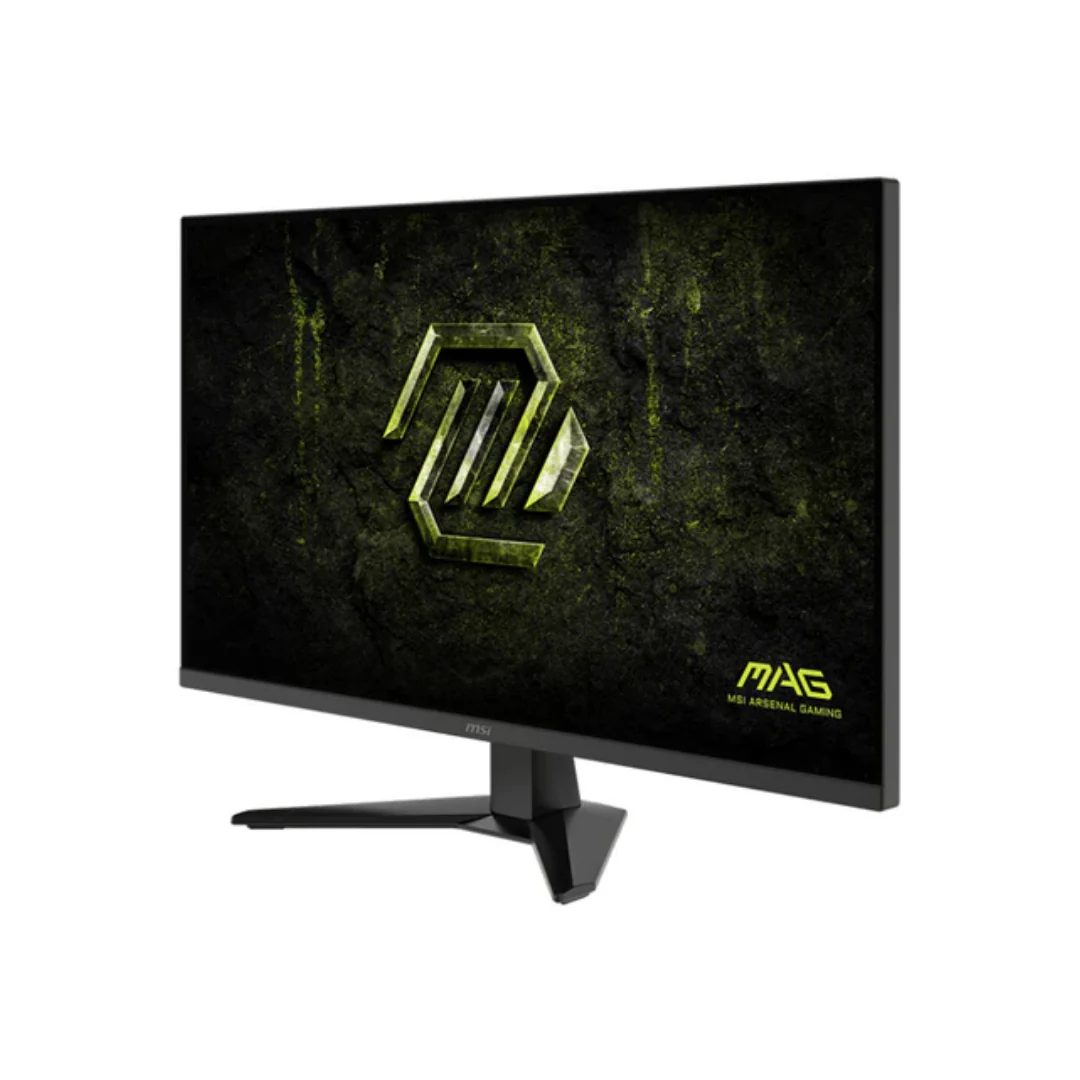
-65%MSI MAG 325QF E18V 31.5" VA 180Hz WQHD 2560x1440 0.5ms GTG Rapid Gaming Monitor with Tilt Adjustment—
$218.89
$76.61The Story
- Rapid VA Panel – Provides 0.5ms (GtG, Min.) response time, optimizes screen colors and brightness.
- 180Hz Refresh Rate – Respond faster with smoother frames.
- 0.5ms (GtG, Min.) Response Time – Eliminate screen tearing and choppy frame rates.
- AI Vision – The new AI Vision technology can not only reveal details in dark areas but also enhance overall brightness and saturate colors.
- Less Blue Light – Use a software solution to reduce the light emission in the blue-violet region of the blue light spectrum.

Details & Craftsmanship
Every detail has been carefully considered to bring you the perfect product.
Details & Craftsmanship
Every detail has been carefully considered to bring you the perfect product.

Details & Craftsmanship
Every detail has been carefully considered to bring you the perfect product.
Description
- Rapid VA Panel – Provides 0.5ms (GtG, Min.) response time, optimizes screen colors and brightness.
- 180Hz Refresh Rate – Respond faster with smoother frames.
- 0.5ms (GtG, Min.) Response Time – Eliminate screen tearing and choppy frame rates.
- AI Vision – The new AI Vision technology can not only reveal details in dark areas but also enhance overall brightness and saturate colors.
- Less Blue Light – Use a software solution to reduce the light emission in the blue-violet region of the blue light spectrum.